Cheena (printable horoscope PDF)
The cheena module turns a chart into a finished document — a modern, readable janma patrika as PDF or image, containing all divisional charts D1 to D60, Vimshottari, Tribhagi and Yogini dasha, and the full yoga list. You can design it in your own colours and add your own details inside, which is what makes it usable as a professional deliverable.
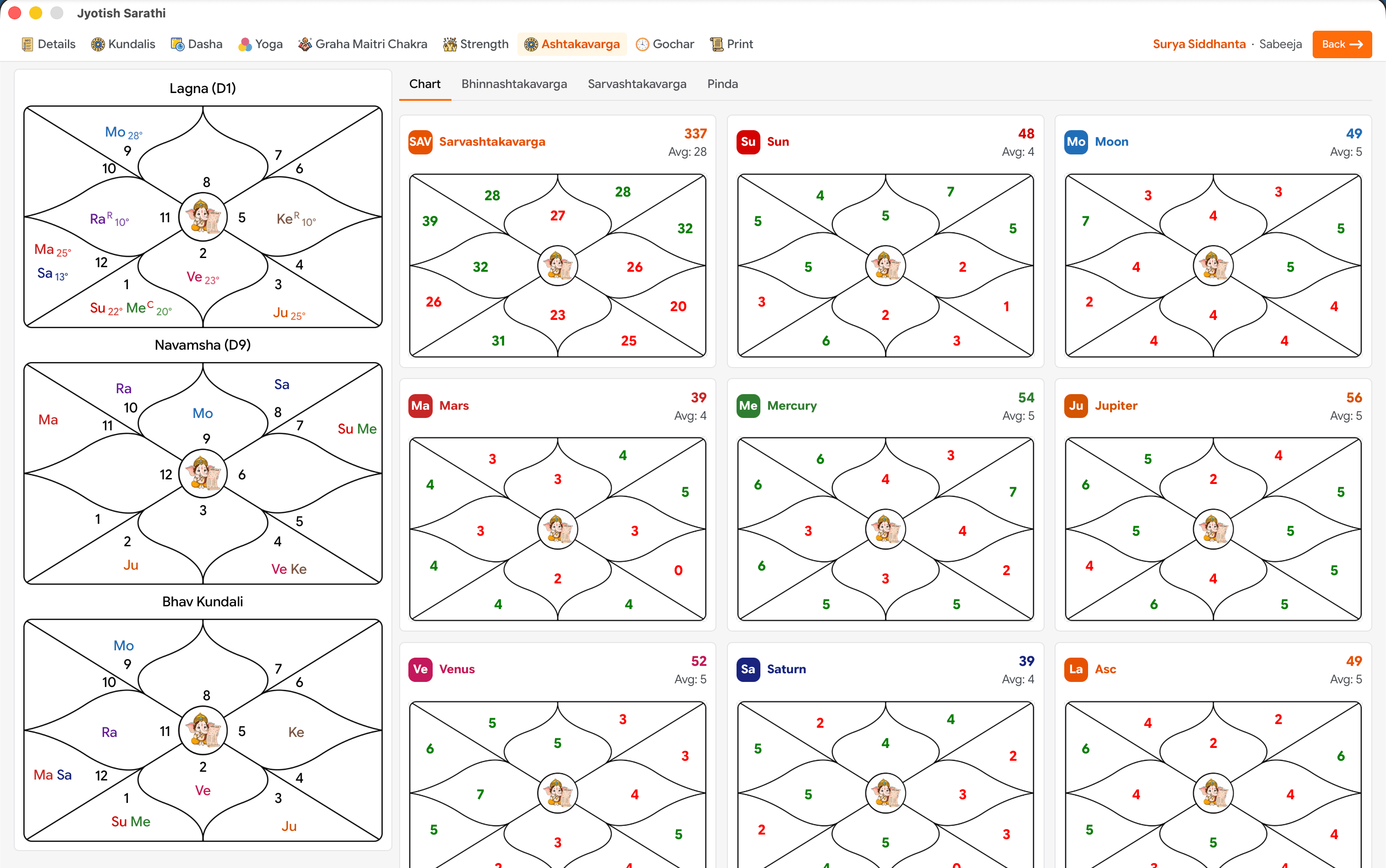
Key takeaways
- Complete PDF or image cheena, ready to print or send.
- Includes all charts D1–D60, Vimshottari, Tribhagi and Yogini dasha, and the full yoga list.
- Print elapsed and upcoming dasha separately — a client gets only what is still ahead.
- Your own colours and your own details inside the document.
- Premium feature.
What goes into the document
- Every divisional chart from D1 to D60, drawn in your chosen style.
- Three dasha systems — Vimshottari, Tribhagi and Yogini — with the option to print elapsed and upcoming periods as separate sections.
- The full yoga list detected in the chart, with its faladesh.
- Planetary positions and panchanga for the birth moment.
- Your branding — colours and your own text blocks, so the cheena goes out as your work rather than as a generic app export.
Why a printable cheena still matters
In Nepal and India a cheena is a document a family keeps, not a screen someone glances at. It gets consulted at marriage, at a naming, at a decision years later. That means it has to be legible without the app, complete enough to stand alone, and clearly attributable to the astrologer who prepared it. A screenshot of an app is none of those things.
Working across devices
Cheena work is usually desktop work — a larger screen, a printer, a saved folder. With cloud sync, a profile entered on the phone is available on the Windows or macOS build, so the chart can be taken and the document produced on different devices.
Frequently asked questions
What format is the cheena?
PDF, or an image if you prefer to share it that way. Both are generated on the device.
Can I put my own name and colours on it?
Yes. The cheena can be designed in your own colours and you can add your own details inside the document.
Can I leave out the dasha periods that have already passed?
Yes. Elapsed and upcoming dasha can be printed separately, so you can hand over only the periods that are still ahead.